Mod Information
-
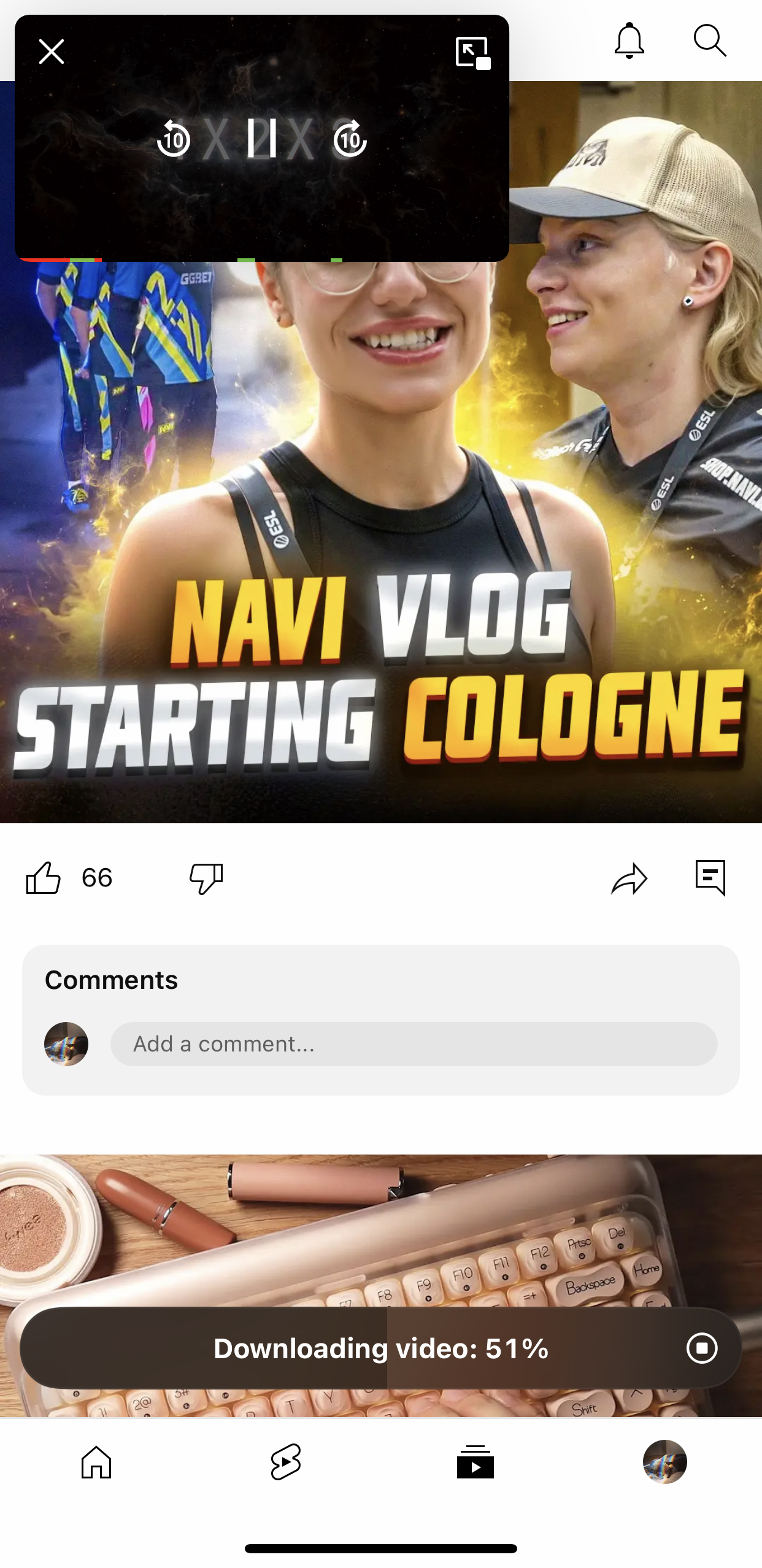
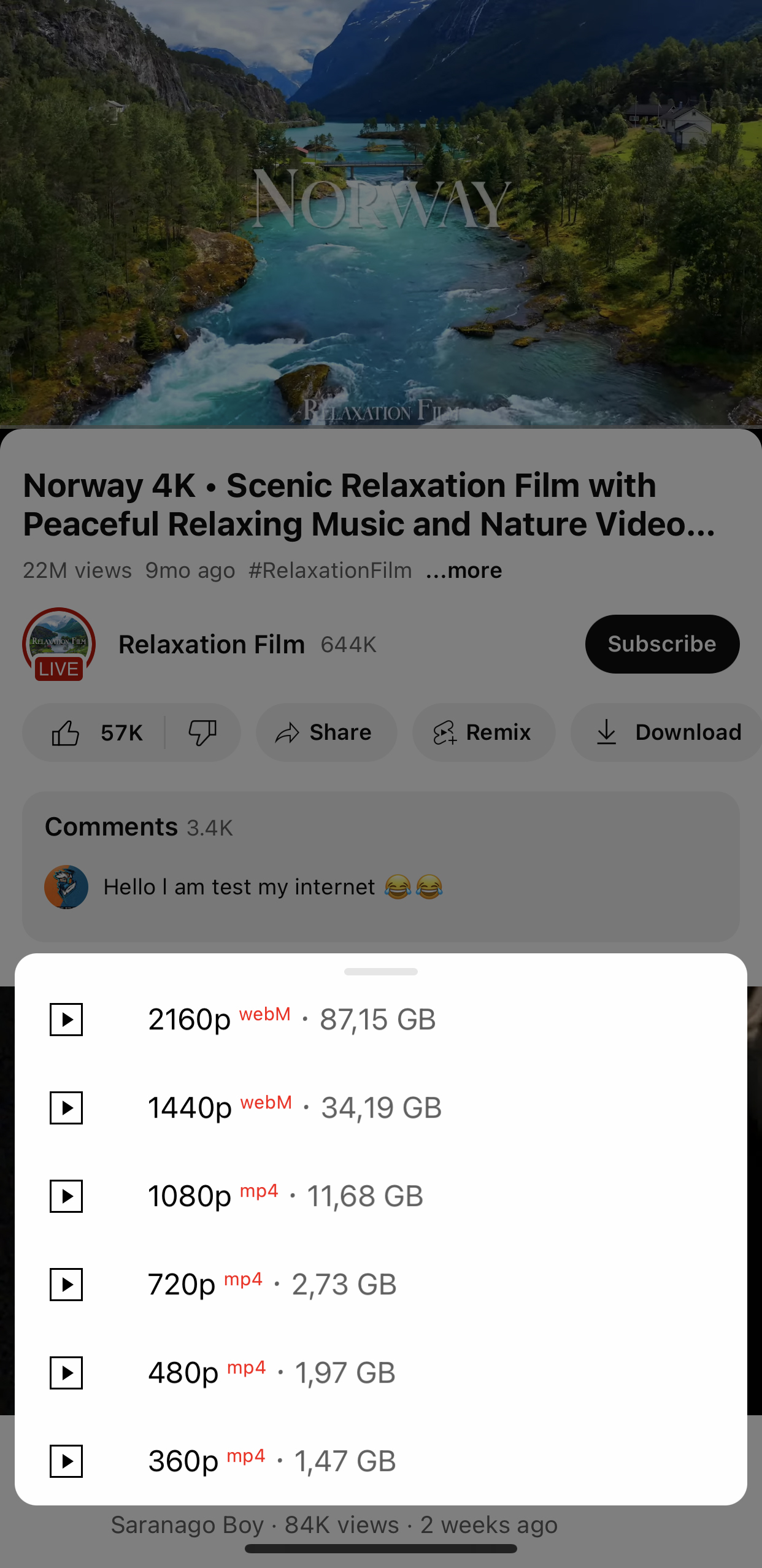
Advanced Downloader: Download videos, audio, thumbnails, posts, and profile pictures.
-
UI Customization: Remove feed elements, reorder tabs, enable OLED mode, and more.
-
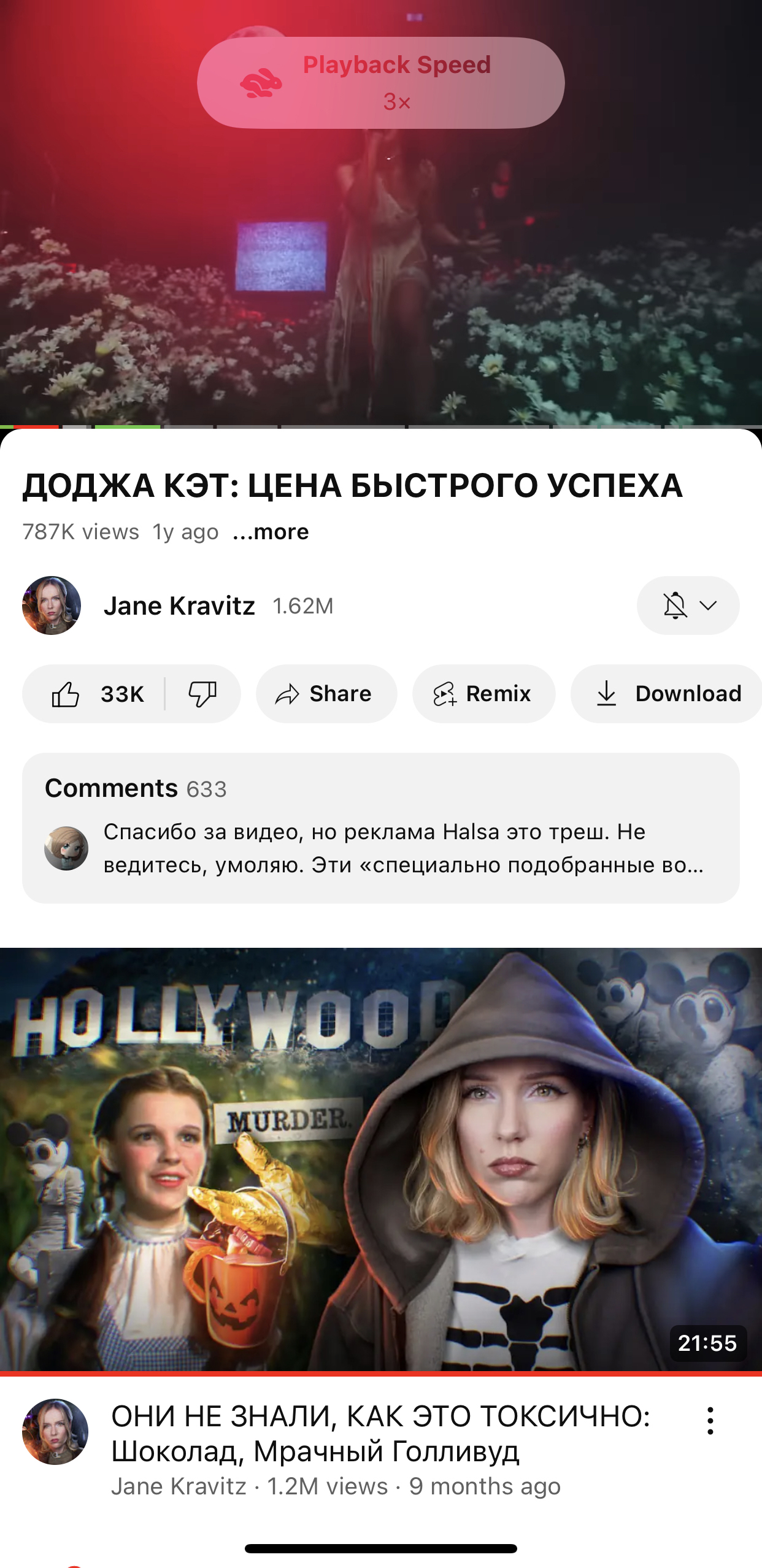
Enhanced Player: Use gestures, set default quality, and choose preferred audio tracks.
-
Built-in SponsorBlock: Automatically skips sponsor segments in videos. Settings Management: Save, load, and restore your custom settings.
Important Note:
-
How to .deb/.deb64 files:
How to Download and Install it on Jailbroken Devices
-
Download the official YouTube app from apple app store and YT Lite deb from our website.
-
Install the deb on your Jailbroken apple device (iPhone or iPad) by using package manager any of these packages manager sileo, cydia, and zebra. Do respring (restart spring board) and done.
Open the Youtube Music App and enjoy.
-
Note: Derootifier can be used to convert rootfull tweaks into rootless or vise-versa.
Link to official repo
https://github.com/haxi0/Derootifier
How to install it on non Jailbroken Devices:
-
Download youtube.ipa from decript.day and YT Music Ultimate.deb to your windows pc/mac or laptop/macbook.
-
Download and install itunes and icloud directly from apple website not microsoft store version for macbook/mac appstore version is fine.
Itunes 32 Bit
https://www.apple.com/itunes/download/win32
Itunes 64 Bit
https://www.apple.com/itunes/download/win64
iCloud 32-64bit
https://updates.cdn-apple.com/2020/windows/001-39935-20200911-1A70AA56-F448-11EA-8CC0-99D41950005E/iCloudSetup.exe
-
Download and install Sidelodly/PlumeImpactor form their official website/GitHub repo
PlumeImpactor
https://github.com/BoardTM/PlumeImpactor
-
Install the app and sign in with your apple id a verification code will be sent to your idevice if you are using plumeinspector and during sideloding the ipa on Sidelodly
-
Connect your device with their cable to your MacBook/Mac Windows PC/Laptop.
-
Select the download ipa and and the deb and click on install.
-
Wait for the app to install it completely.
-
If the app was successfully installed tap on the install app you will receive a massage untrusted developer/developer mod required to run this app. that massage means the app was successfully installed now you need to trust the developer apple id (your apple id) to use the app.
-
Open settings and to general > vpn and device management and trust your apple id
-
Then go to privacy and find developer option, open it and enable it on ios 17 or above your device request to restart to enable developer options Wait it to restart and follow the on screen instructions to enable developer options your device will request your passcode to enable the developer mode and once it was enabled your device will reboot to lock screen.
Note: For ios 16 or lower your device will only request passcode to enable developer options.
Note 2: You need to repeat the process after 7 days to continue using the app else the app will get expired and no longer useable.
Unlock your device and now you can used the tweak app.
For more information Read our detail sideloding guide with different methods of sideloding with or without pc.
What's New
-
Fixed Shorts overlay issues
-
Fixed playback issues Fixed “Hold to speed” gesture in Shorts
-
Fixed big gap under progress bar when action bar is disabled Fixed colored progress bar issues (now supports gradient color for watched progress)
-
Fixed issue where some buttons under the player were not hiding
-
Fixed transparent background in the “Explore” sidebar Fixed hiding options in YouTube sheet and added ability to hide the “Feedback” element
-
Fixed crash on live videos when original captions were set as preferred Fixed “Remember loop mode” not saving correctly
NEW OPTIONS:
-
Added option to hide “Hype” and “Stop Ads” buttons under the player Added option to hide YouTube snackbars (HUD messages in player)
-
Added option to hide Products in Shorts Added option to remove Comment bar in Shorts Added option to remove Audio button in Shorts
-
Added option to exclude auto-dubbed audio tracks from selection Added "Tap to seek gesture" in Player settings
UI IMPROVEMENTS:
-
Added system theme support for YTPlus player toast (playback speed, brightness, volume)
-
Removed vibrancy effect from YTPlus player toast Enabling iPad-style interface now also enables floating keyboard
About This App/Game
About This Tweak
YTLite is a powerful tweak that enhances the official YouTube app with a massive suite of new features. It adds advanced downloading capabilities, deep UI customization, an enhanced video player, and much more. YTLite's preferences can be found directly within the official YouTube app's settings menu.
Screenshots
Version History
| Version | Size | Date | Download |
|---|---|---|---|
| v5.2b4 (Latest) | 6.12 MB | 3/6/2026 | Download |
No reviews yet. Be the first to leave one!